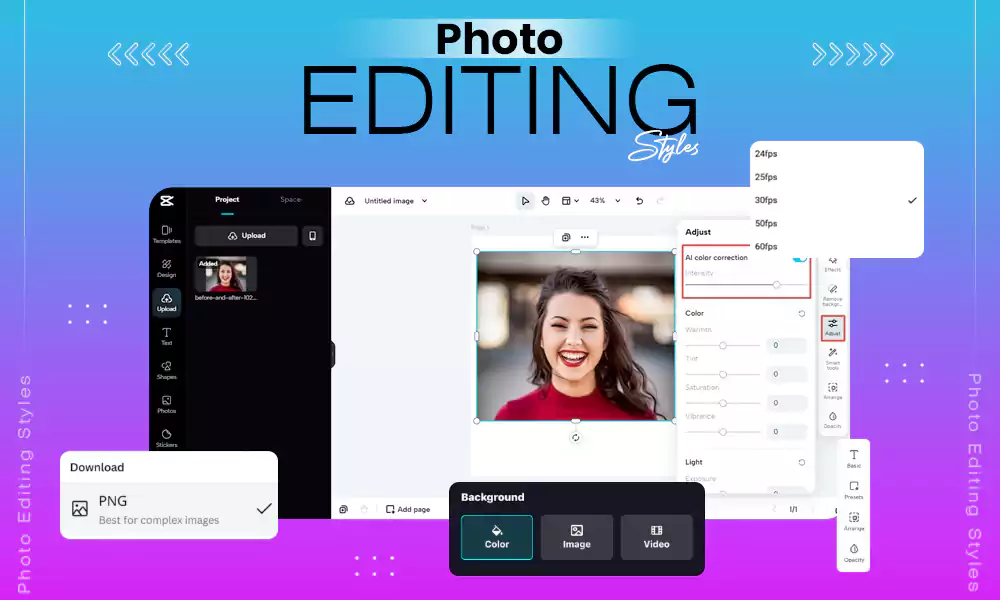


Adobe Lightroom, Capture One Pro, GIMP, Photopea, Luminar Neo, Imagen AI, ON1 Photo RAW, and more are some of the best photo editing software options in 2026. Although these software programs target different editing needs, key features to look for in good photo editing software include RAW processing, AI-powered editing, masking, and image enhancement.
According to Market US, AI integration in photo editing software is becoming more important, with over 50% of new software releases incorporating AI features like automatic enhancements and object removal.
Hence, this article mentions the best AI-driven photo editing programs that reduce manual labor. Follow along to learn more about the best photo editing software, their features, pros, cons, pricing, and more.
5 Best Photo Editing Software: Adobe, Luminar Neo, and More
Luminar Neo, Adobe Lightroom, Photopea, Capture One Pro, and GIMP are some of the best photo editing software options, both paid and free, that every photo enthusiast must use in 2026.
Here’s a detailed description of every recommended photo editor:
1. Luminar Neo

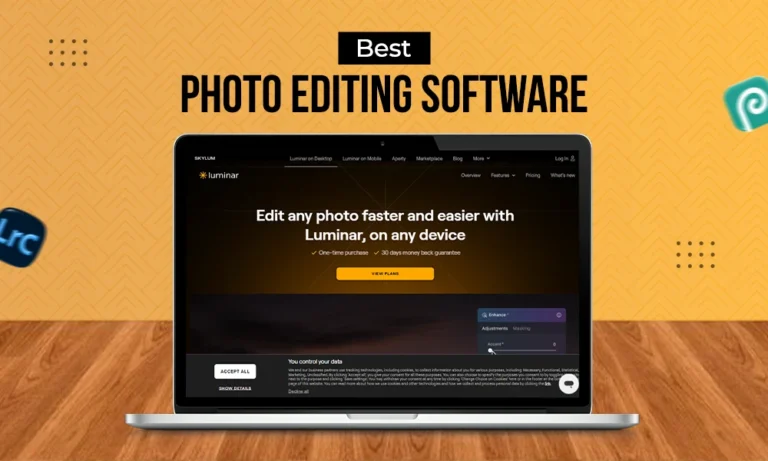
Luminar Neo is one of the best all-around photo editing software programs, known for its artificial intelligence tools, automated image enhancement, portrait enhancement, background removal, and more.
Supporting a wide range of photography, including wedding, landscape, wildlife, newborn, family, e-commerce, food, drone, and more, it is available for both Windows and macOS. Key features include GenErase and GenSwap which can remove and replace elements using generative AI.
Core Features:
- Noiseless and Supersharp AI
- Sky AI
- Water and Twilight Enhancer
- GenErase and GenSwap
- RAW editing, layers, and masking
| Pros | Cons |
|
|
| Other Features | |
|---|---|
| Best For |
|
| Price | Desktop Only: $129 All Platforms: $159 Max: $199 |
2. Adobe Lightroom
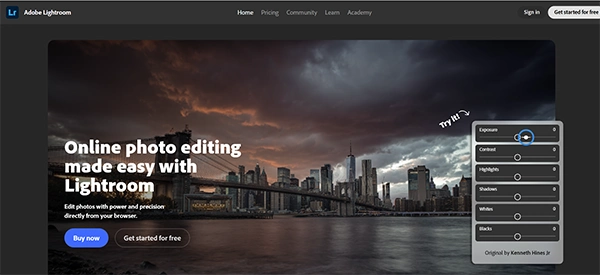
Adobe Lightroom is one of the most popular photo editing programs, combining RAW photo editing with image organization. In addition to tone masking, fixing grainy photos, and lens correction tools for non-destructive editing, it enables users to create and save their own presets for future editing, while offering its own built-in presets. Its newly launched feature, called culling, automatically filters out-of-focus and poorly exposed shots, reducing manual editing effort.
Core Features:
- Generative Remove
- Color Grading
- Cataloguing
- RAW Processing
- Masking
| Pros | Cons |
|
|
| Other Features | |
|---|---|
| Best For |
|
| Pricing |
|
3. Photopea
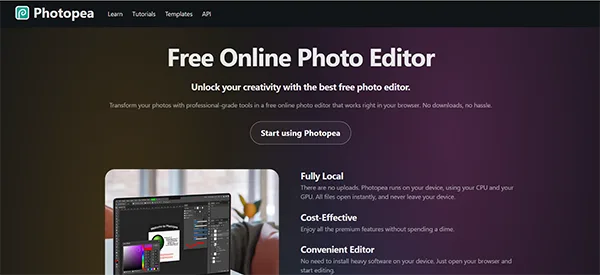
Photopea is one of the best browser-based photo editing software options, which offers many Photoshop-style editing capabilities without requiring desktop installation.
The best part about this platform is that it offers a free tier, which makes it useful for quick edits. Known for its user-friendly interface, Photopea allows users to work in layers and edit PSD files directly in the browser.
Core Features:
- Non-Destructive Adjustment and Layers
- Wide File Compatibility, Including PSD, PDF, RAW, AI, XD, JPG, and PNG
- Advanced Selection and Retouching Tools
- No Installation
| Pros | Cons |
|
|
| Other Features | |
|---|---|
| Best For |
|
| Price Details | Free Tier Available Premium Plan starts at $5/month and $50 annually |
4. Capture One Pro
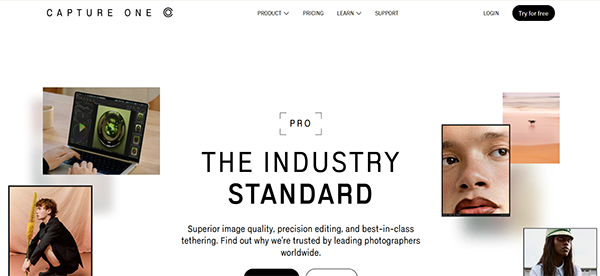
Capture One is one of the best professional photo editing software options, best suited for professional photoshoots, such as portraits, fashion, and beauty, photojournalism, films, and more. Not only is it fast, reliable, and fully customizable, but it also provides advanced color grading, precision editing, superior image quality, AI-masking tools, and more.
Best known for its tethering and color management features, it is particularly useful for commercial, fashion, and product photographers.
Core Features:
- RAW Processing
- Tethered Shooting
- Precision Control and Intuitive Sliders
- Cataloguing
| Pros | Cons |
|
|
| Other Features | |
|---|---|
| Best For |
|
| Price Details | Pro: $18/mo All in One: $24.67/mo Studio: $48.50/mo |
| Platforms Supported | Desktop, iPhone, iPad, Windows, macOS |
5. ON1 Photo Raw
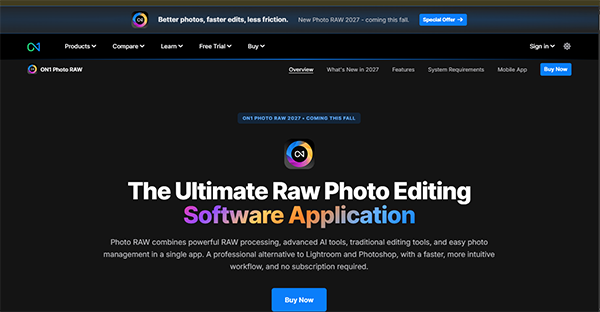
ON1 is an all-rounder photo editing program, known for offering vast features, including Photoshop-like layers, organization tools, built-in presets, retouching features, and more. Featuring robust AI features, ON1 is known for its smart AI tools, including a culling assistant that flags out-of-focus subjects, a simplified masking experience, NoNoise AI, and the RAW Processing Engine.
Core Features:
- Advanced Masking and Selection Tools
- Vast Library of Presets and Filters
- AI-Driven Interface and Features
- RAW Processing
- Layered Editing and Compositing
| Pros | Cons |
|
|
| Other Features | |
|---|---|
| Best For |
|
| Price Details |
|
| Platforms | Mac and Windows |
Extended List of 7 Best Photo Editing Software That You Must Consider
Here’s an extended list of another top 7 professional picture editing programs that you must consider:
| S No. | Best Photo Editing Programs | Key Features | Price Details |
| 6. | Imagen AI |
| Imagen: $129/mo Imagen Video: $30/mo Offers pay-as-you go feature and free trial with 1,000 photos. |
| 7. | Fotor |
| Basic: $0 Fotor Pro: $3.99 Fotor Pro+: $5.89 Fotor Max: $13.99 |
| 8. | Zoner Studio |
| Individuals: $59/year Family Plan: $98/year 7-Day Free Trial is Available |
| 9. | DxO |
| $129.99 to $249.99 Free Trial Available |
| 10. | Affinity |
| Starts at $54.99 |
| 11. | GIMP |
| Free |
| 12. | RawTherapee |
| Free and Open-Source |
Key Factors To Look For In A Good Photo Editing Software
AI assistance, presets and filters, integration, and advanced tools such as layering and masking are some must-have features in a good photo editing software:
- AI Assistance: A good photo editing software must consider having a robust AI assistance program that speeds up tedious tasks by automating them, such as background removal. Free and open-source programs may lack AI assistance but offer other relevant features.
- Non-Destructive Workflow and Batch Editing: For creative editors and professional photographers, this feature is non-negotiable. If you’re a professional, consider selecting software that manages layers and masking without destroying the originals, and enables editing and processing large batches without occasional lags.
- File Compatibility and Export Options: A good photo editing software must edit and manage metadata, protect your work with watermarks, enable custom resolution, and must have multiple export formats, including JPG, PNG, TIFF, and RAW for high-quality display.
- Presets and Settings: Presets help save your custom settings and photo editing styles and automatically apply them to multiple images, saving time and effort. Ready-made styles and filters help with faster batch editing by applying edits across multiple images simultaneously.
- Robust Layers and Masks: Layers and masks boost creativity by enabling editors to add creative overlays, blend elements, combine layers, and change a specific part of the image without distorting the entire image.
These are some must-have features for a professional picture editing program. However, the right choice also depends on individual budget, editing needs, and professional goals.
Also Read: How to Fix Overexposed Photos: 6 Easy Methods & AI Tools
Wrapping Up!
To sum up, the best photo editing software depends on your editing needs, skill level, and budget. Professional studio photographers may prefer advanced editing tools, such as Adobe Lightroom, Capture One Pro, or Photoshop, while Photopea and Luminar Neo are simple options, ideal for beginners. However, the right choice also depends on certain factors, such as AI-powered editing, object removal, enhancement, and efficient retouching.
Compare the prices, key features, pros, and cons before finally selecting the best photo editing software.
Frequently Asked Questions (FAQs)
What is the best photo editing software assisted by AI?
Luminar Neo, Adobe Photoshop, and Topaz Photo AI offer extensive AI-powered tools. Their features include generative editing, object removal, image enhancement, noise reduction, sharpening, and resolution upscaling.
What is the best 100% free photo editing software?
Photopea is one of the best browser-based free editing software choices, and GIMP is the best open-source desktop alternative.
Which is better, Photoshop or Lightroom?
While Lightroom is ideal for organized photo libraries, adjusting colors and lighting with simple sliders, and fast batch editing, Photoshop works best for heavy retouching, pixel manipulation, layering, and combining multiple images.
Which photo editing software is best for beginners?
Luminar Neo, Lightroom, and Photopea are the best beginner-friendly photo editing programs. They provide automated tools, built-in presets, and intuitive interfaces that reduce the learning curve.